Roi

SERVICES

APP DESIGN
Branding
PRODUCT TESTING

PROJECT TYPE

AGENCY CLIENT
Consumer Reports partnered with Spark No. 9 to validate demand for Roi, a new financial planning app concept intended to bring Consumer Reports' unbiased, no-advertising approach to personal finance.

To prepare for testing, I designed Roi's brand identity along with several key product flows that illustrated the concept.

Using these assets, Spark ran Instagram campaigns to validate demand before app development, testing messaging and product features to see what resonated with potential users.

App design:
from research to Roi

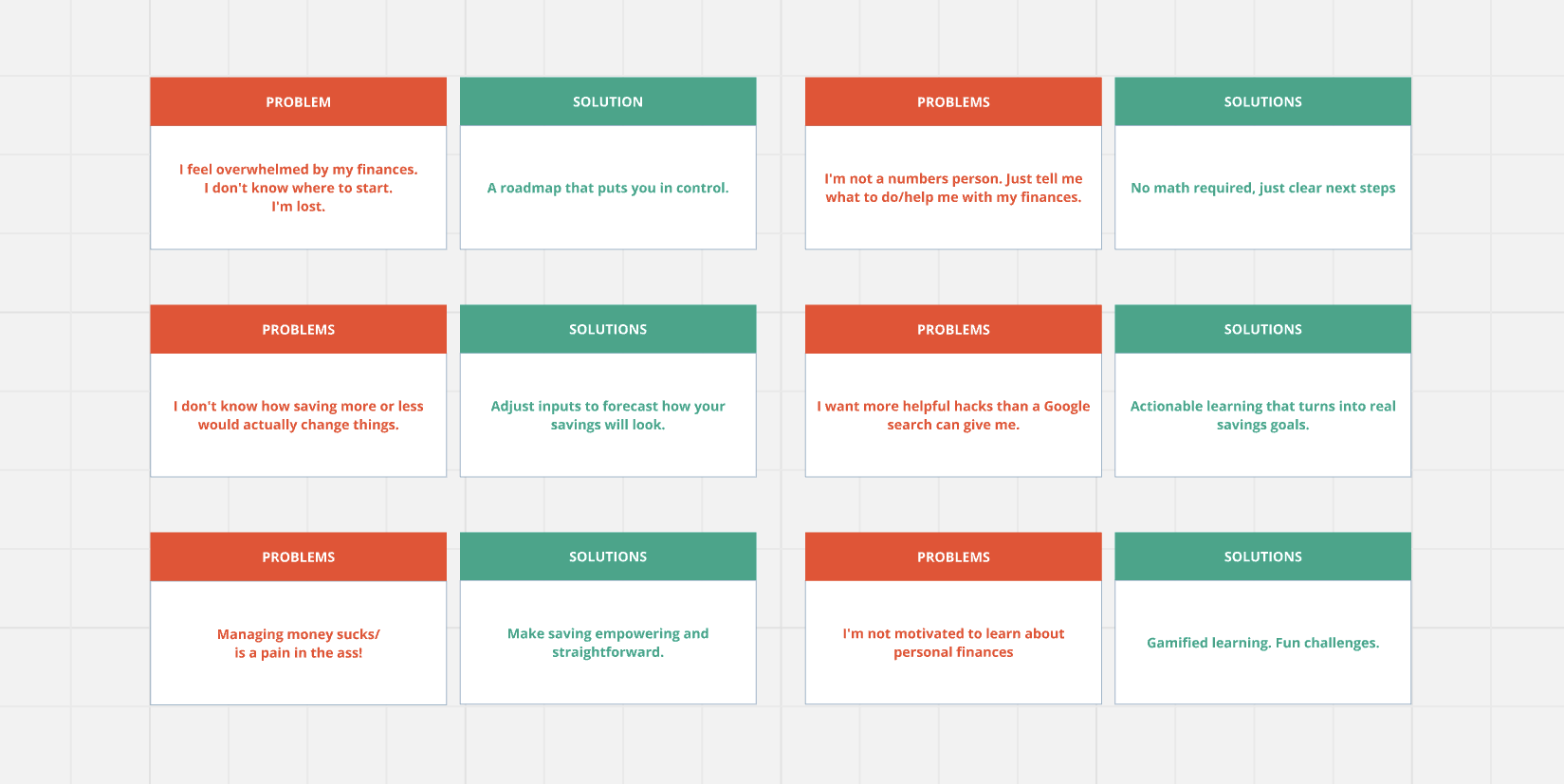
Consumer Reports had extensively interviewed real people about their money anxiety. Two things came up consistently in their research: people either felt overwhelmed about money and didn't know where to start, or they felt like existing apps and educational resources were too complex and made them feel discouraged rather than supported. I used this research to guide the design of the app, from key product features to the tone of the copy.
Grid layout of financial problems and corresponding solutions in colored boxes: Problems include feeling overwhelmed by finances, not knowing where to start, not being a numbers person, unclear impact of saving more or less, wanting better hacks than Google search, managing money being difficult, and lack of motivation to learn about personal finances. Solutions offer a roadmap for control, clear next steps with no math required, input adjustment to forecast savings, actionable learning for real goals, empowering saving approaches, and gamified fun learning challenges.

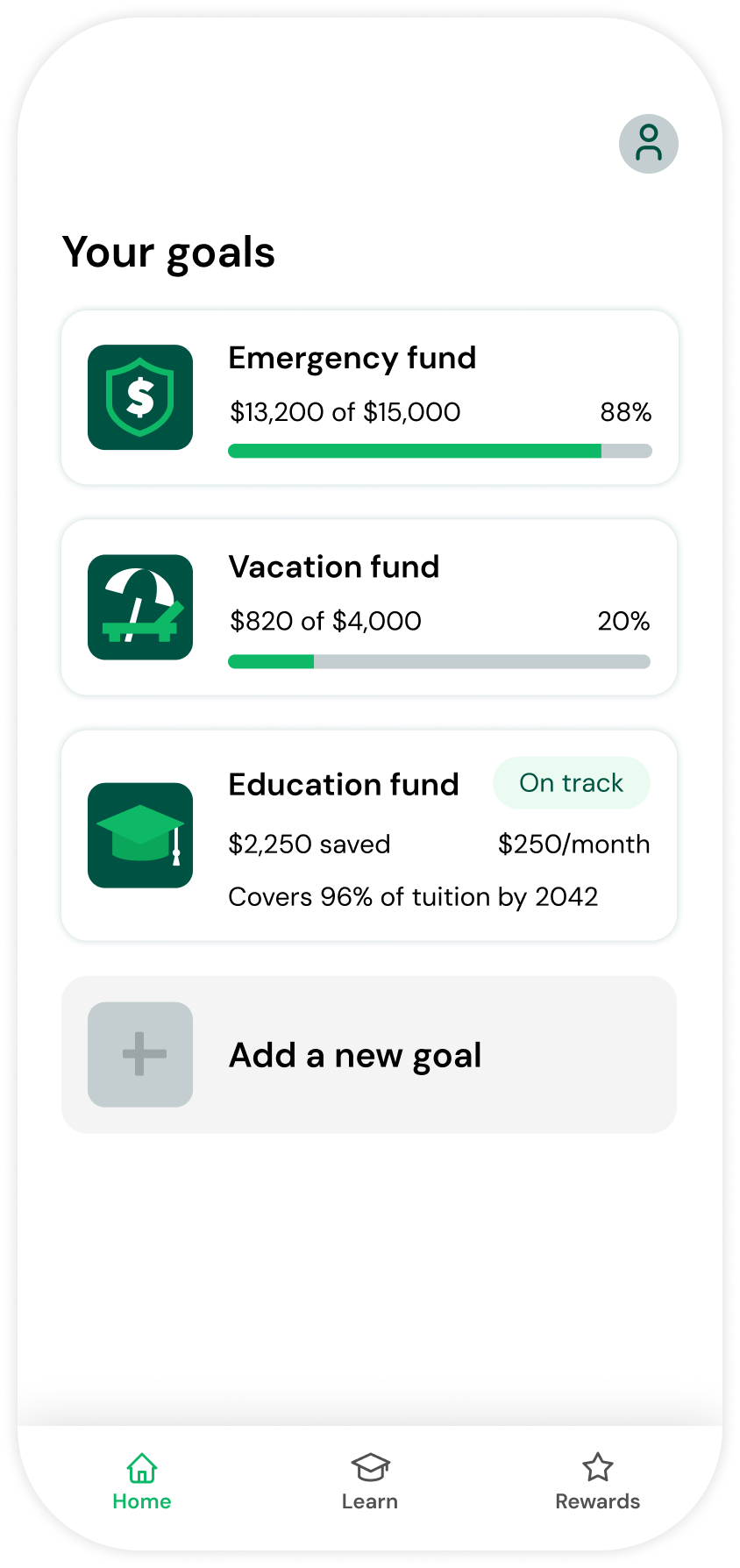
All your goals, at a glance

Get a snapshot of your savings progress and easily add new goals.
Mobile app screen showing 'Your goals' with progress bars for Emergency fund at 88% ($13,200 of $15,000), Vacation fund at 20% ($820 of $4,000), and Education fund labeled 'On track' with $2,250 saved, $250 per month contribution, covering 96% of tuition by 2042. Option to add a new goal is displayed below. Navigation bar includes Home, Learn, and Rewards icons, with Home selected.

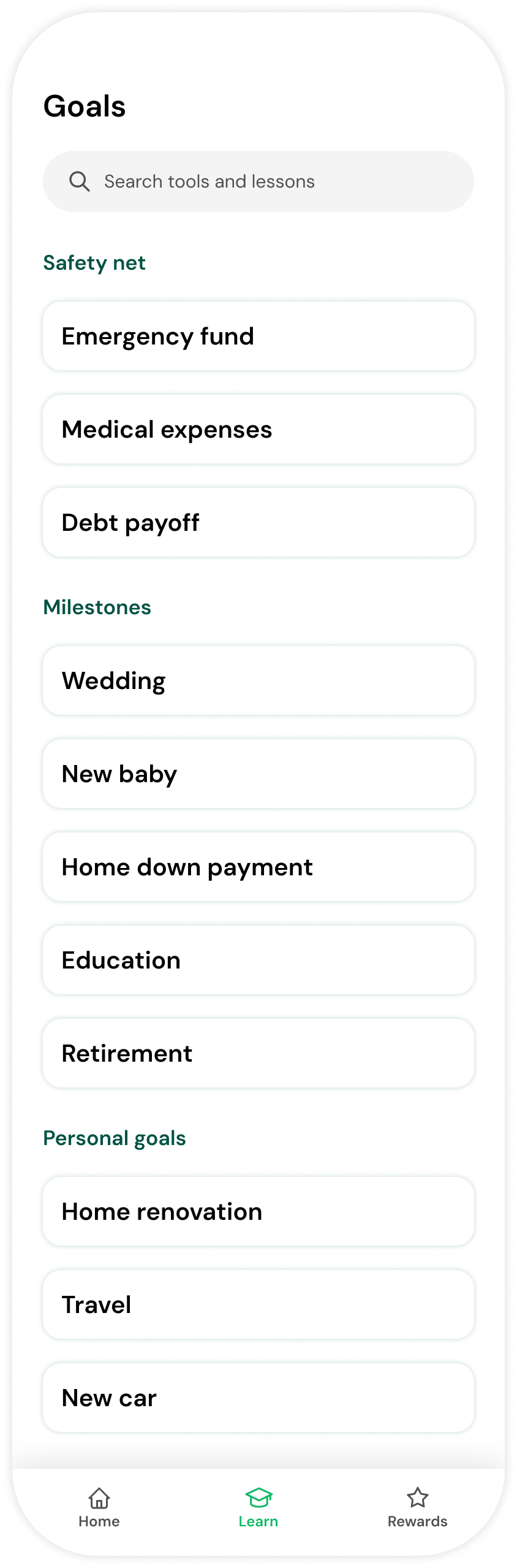
Level up your financial knowledge

Go deep on real financial topics, then get the tools to put what you've learned into action.
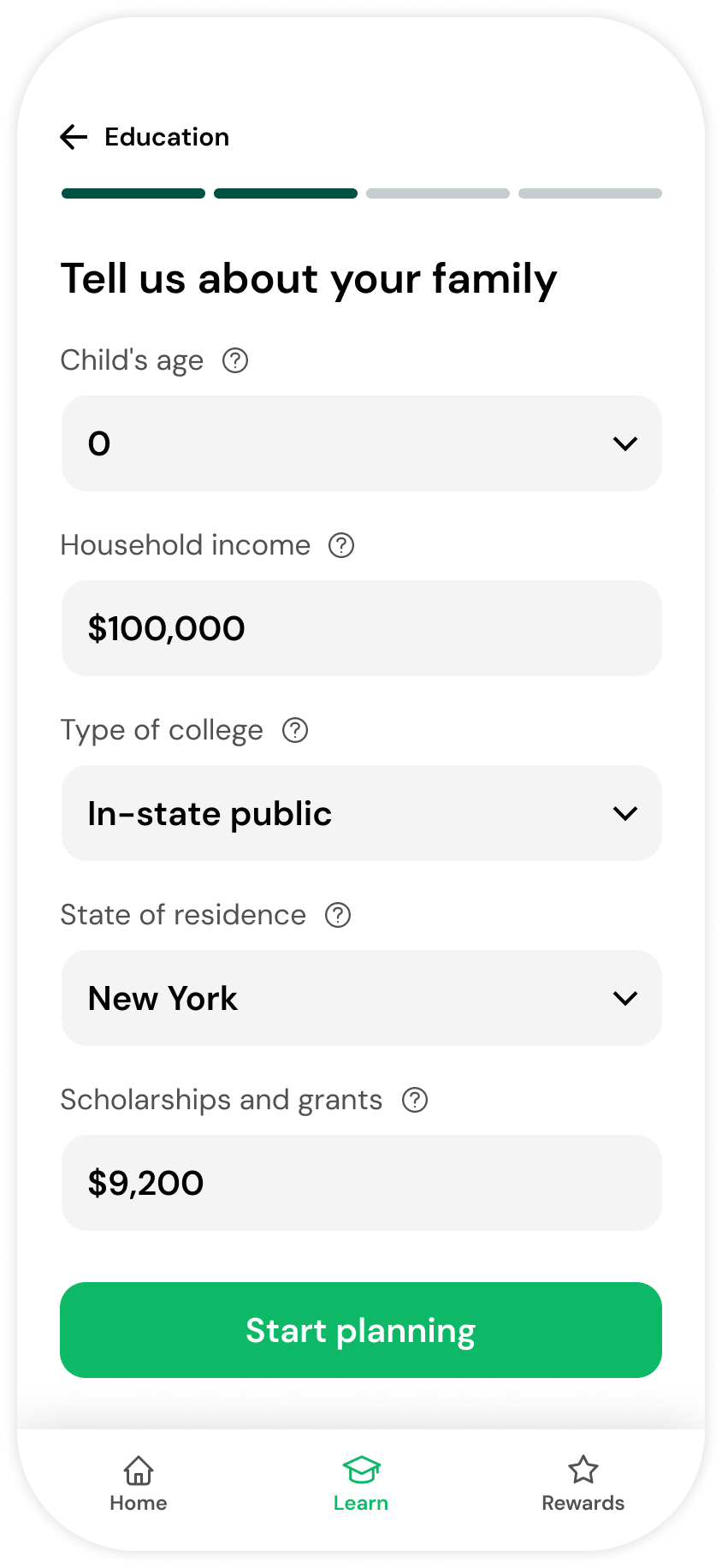
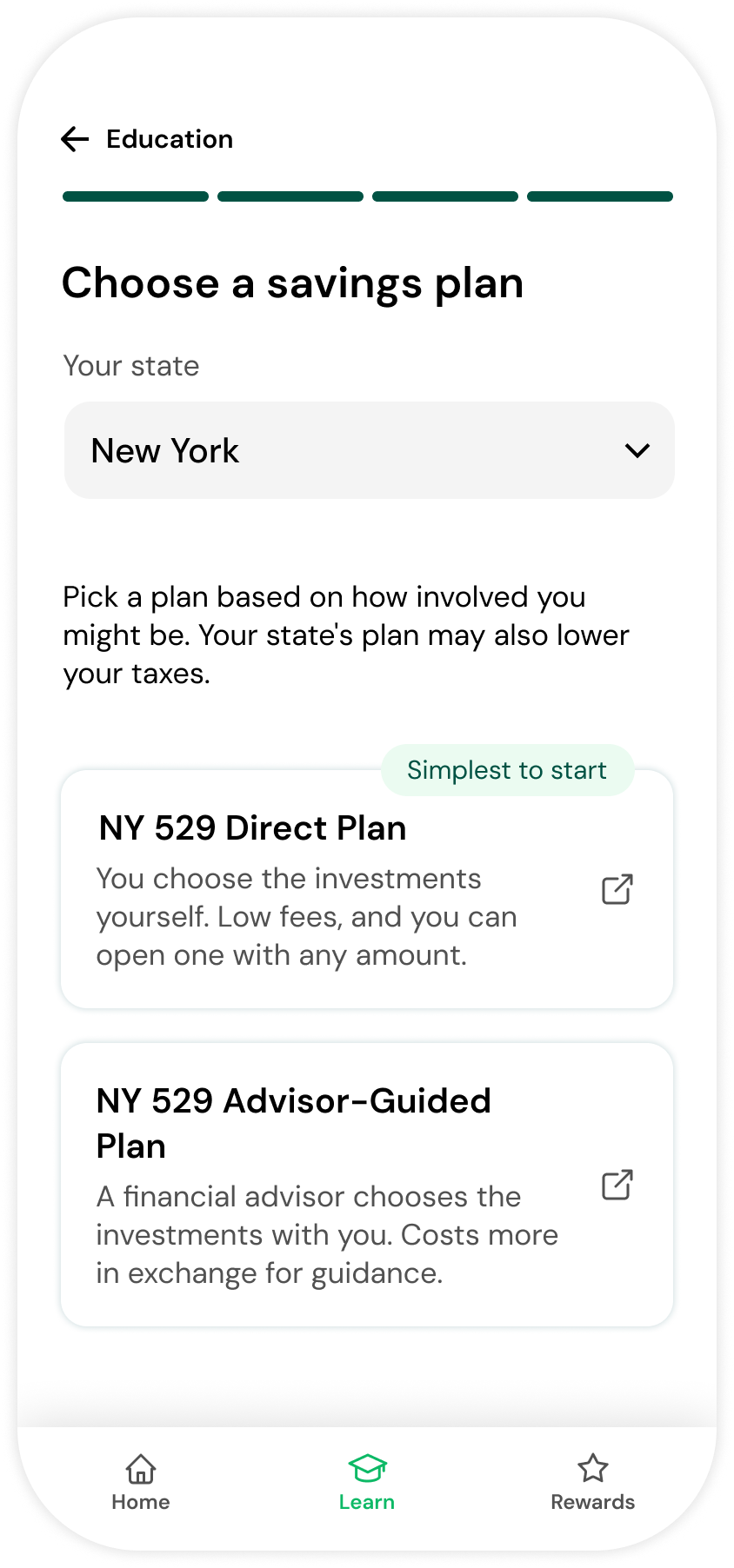
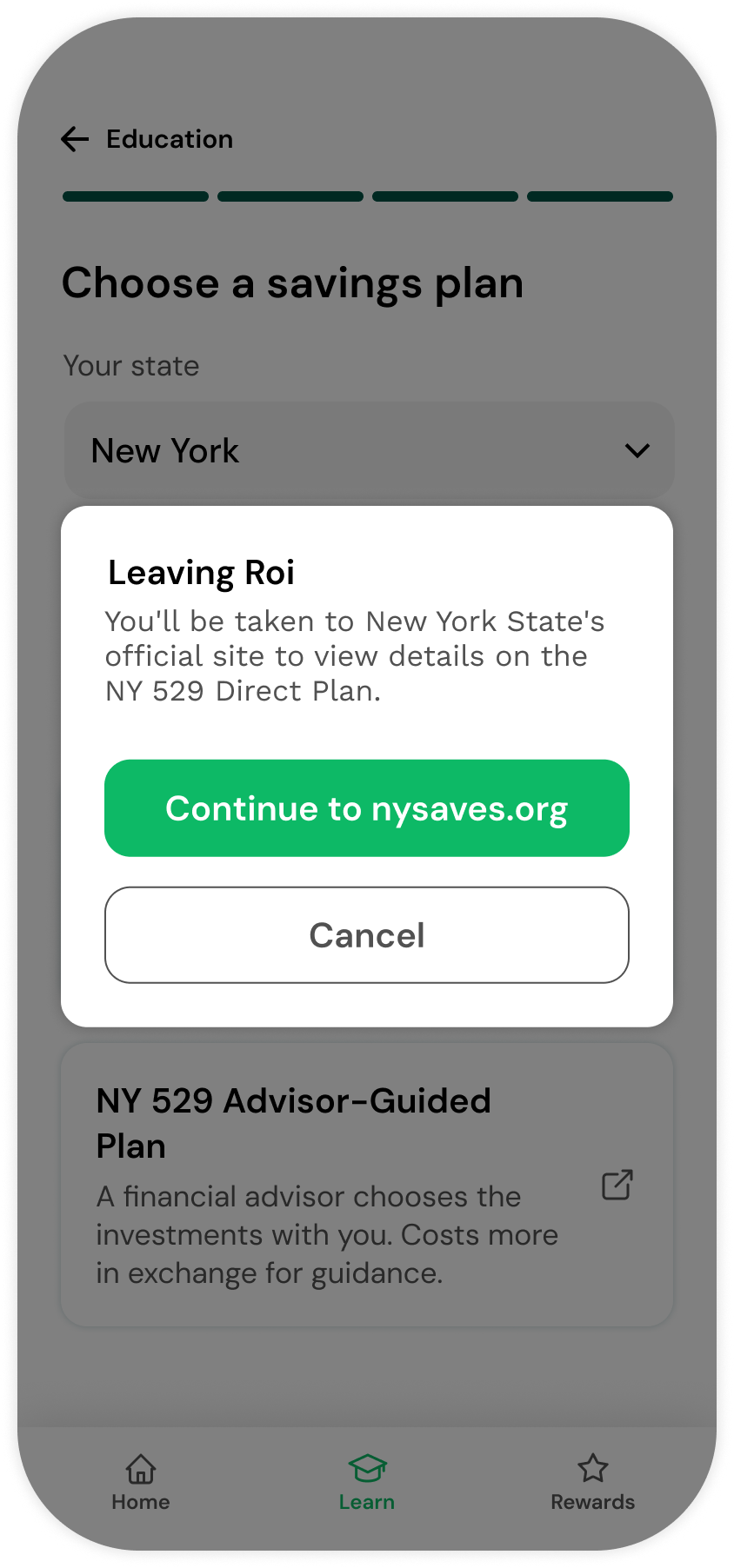
Mobile app screen titled Goals with sections Safety net including Emergency fund, Medical expenses, Debt payoff; Milestones with Wedding, New baby, Home down payment, Education, Retirement; and Personal goals listing Home renovation, Travel, New car. Search bar at top and navigation icons Home, Learn, Rewards at bottom.Mobile app screen titled Education showing a green piggy bank wearing a graduation cap and holding a book, symbolizing college savings. Text encourages starting to save early for a child's college due to rising costs. It explains the 529 plan as a tax-advantaged education savings account and offers a personalized savings calculator. A green button labeled Get started is at the bottom. Navigation icons for Home, Learn (highlighted), and Rewards appear at the bottom.Mobile app screen titled 'Tell us about your family' with input fields showing child's age as 0, household income as $100,000, type of college as in-state public, state of residence as New York, scholarships and grants as $2,300, and a green 'Start planning' button at the bottom. Navigation icons for Home, Learn (highlighted), and Rewards are at the bottom.Mobile app screen showing education savings plan with sliders for starting balance at $1,800 and monthly contribution at $250. A circular chart displays 96% of tuition covered. Projected tuition in 2042 is $110,700, covering tuition and fees only. Savings breakdown shows projected 529 savings $97,072, scholarships and grants $9,200, and a college saving gap of $4,428. A green button labeled 'See savings options' is below the breakdown. Bottom menu includes Home, Learn (highlighted), and Rewards icons.Mobile screen showing education savings plan selection with dropdown for state set to New York, instructions to pick a plan based on involvement and tax benefits, and two plan options: NY 529 Direct Plan with low fees and self-selected investments, and NY 529 Advisor-Guided Plan with advisor-chosen investments and higher costs.Mobile screen showing an education savings app where the user selects New York as their state and a pop-up confirmation appears stating 'Leaving Roi. You'll be taken to New York State's official site to view details on the NY 529 Direct Plan.' with options to continue to nysaves.org or cancel. Below is a brief description of the NY 529 Advisor-Guided Plan mentioning financial advisor assistance and higher cost for guidance.

Develop a habit worth keeping

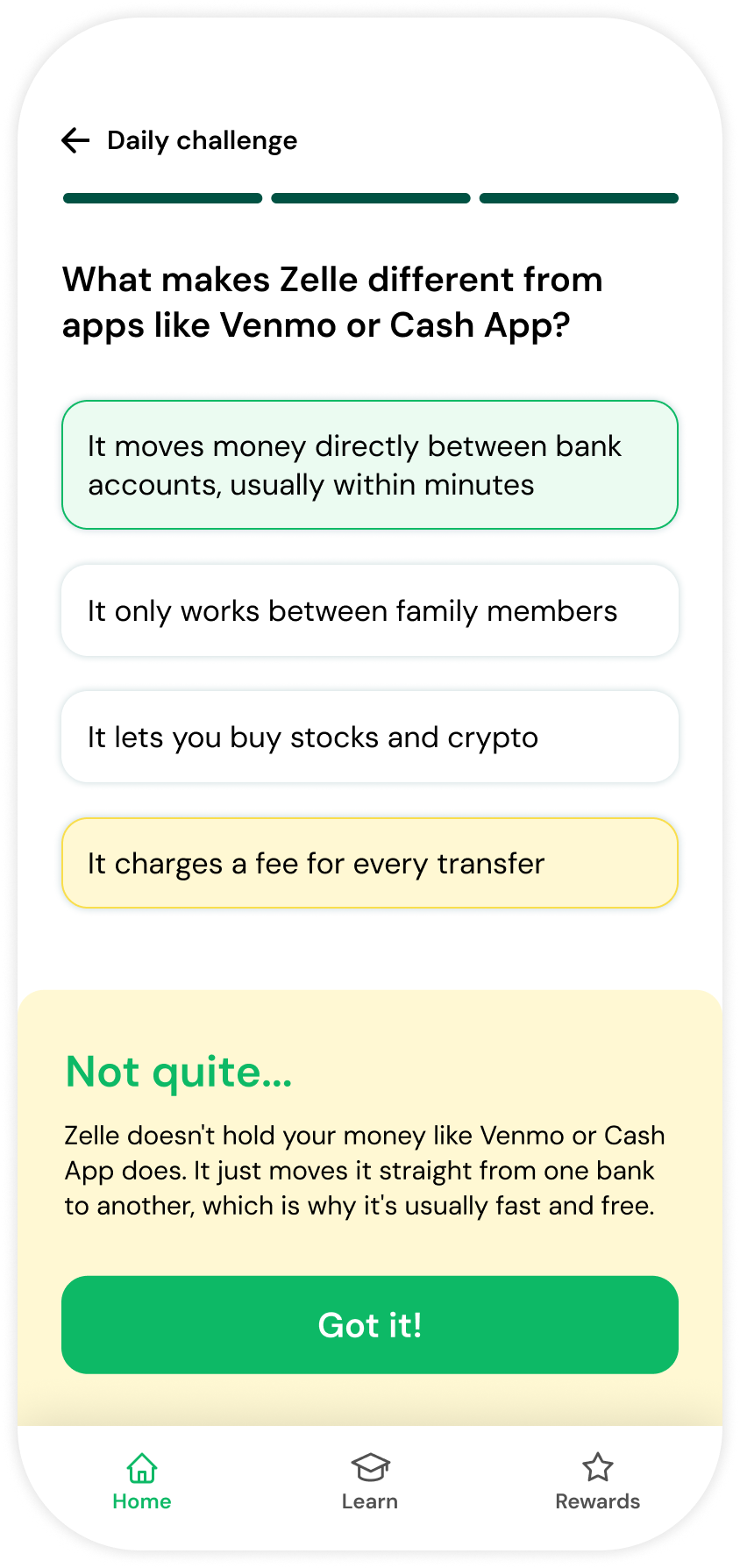
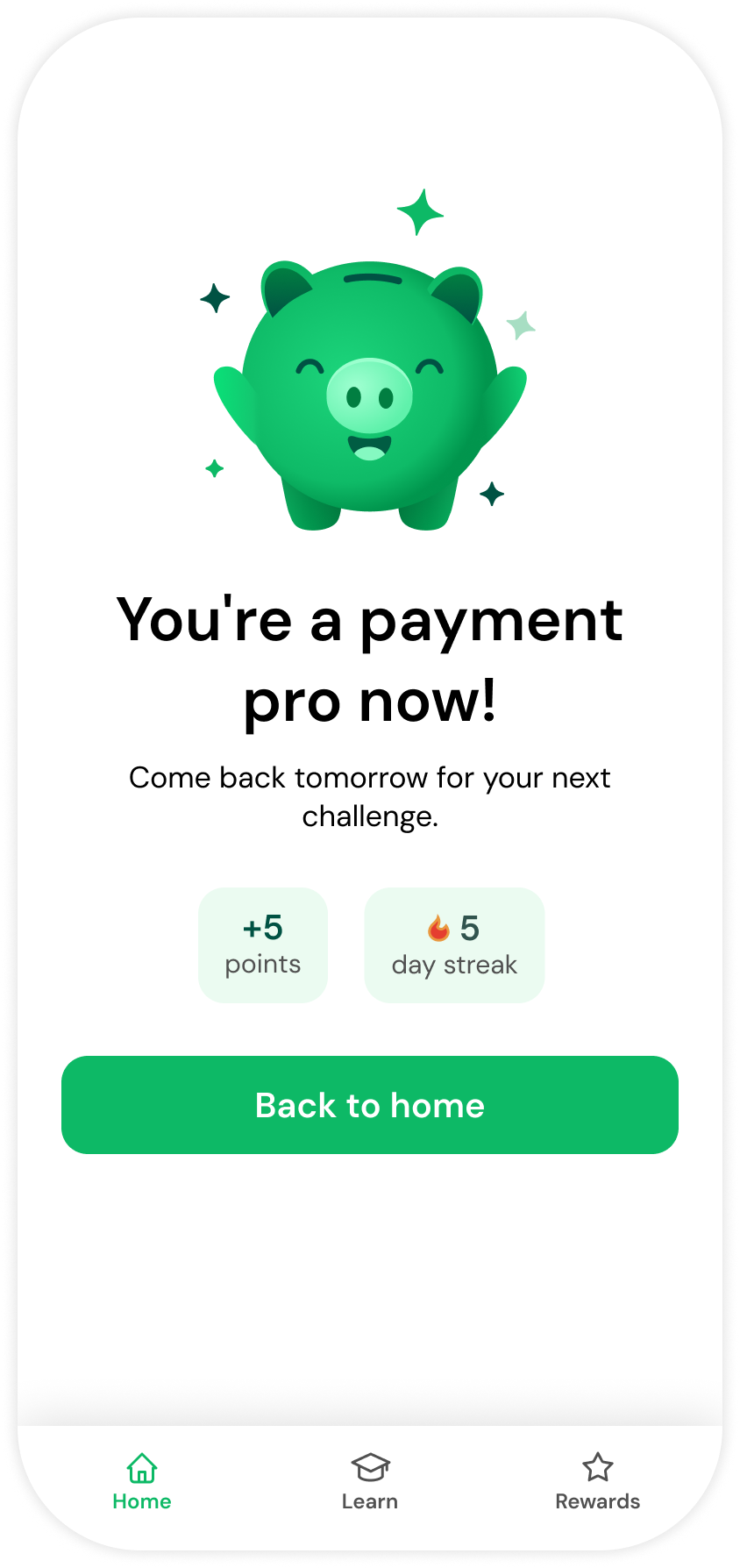
A fun, bite-sized question every day to keep you coming back.
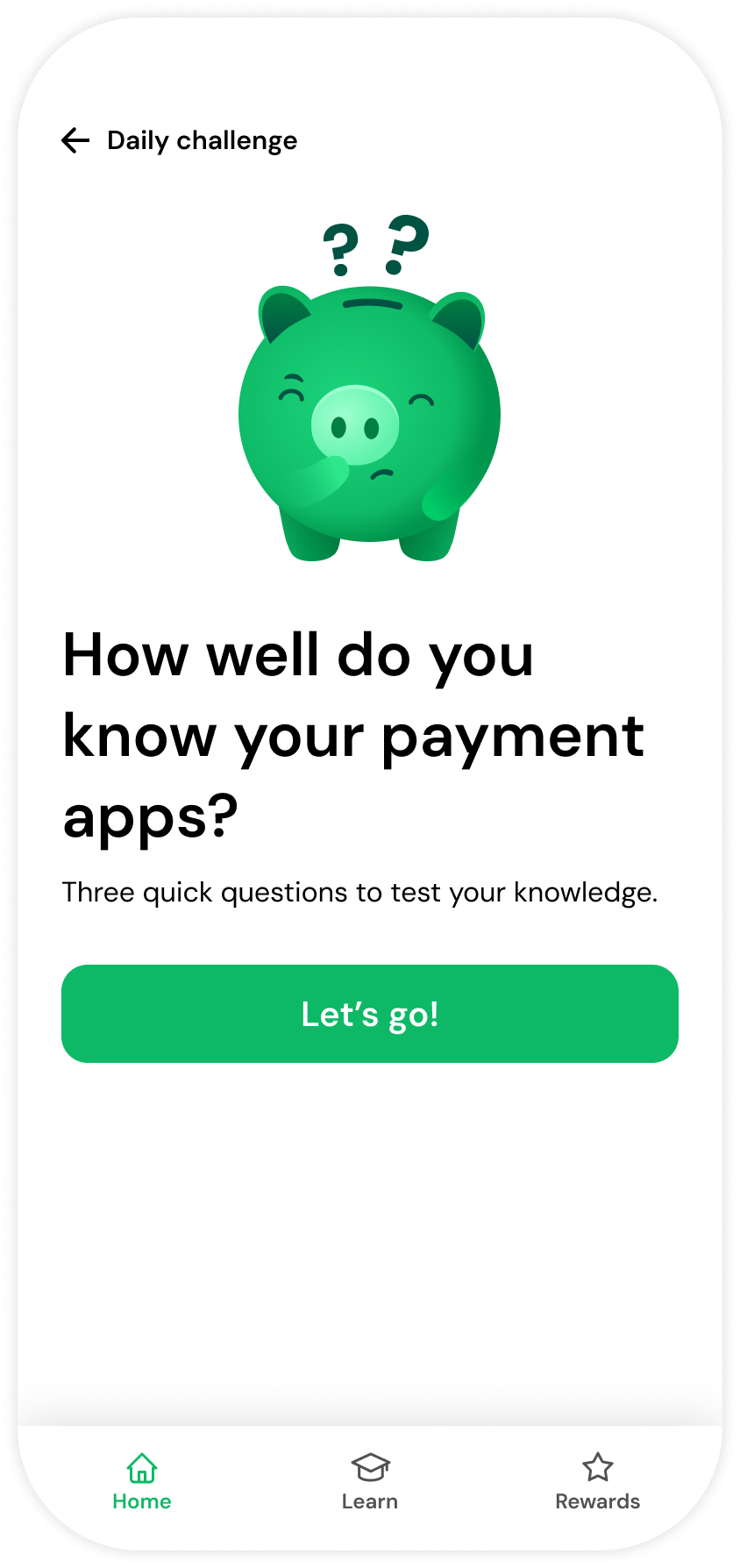
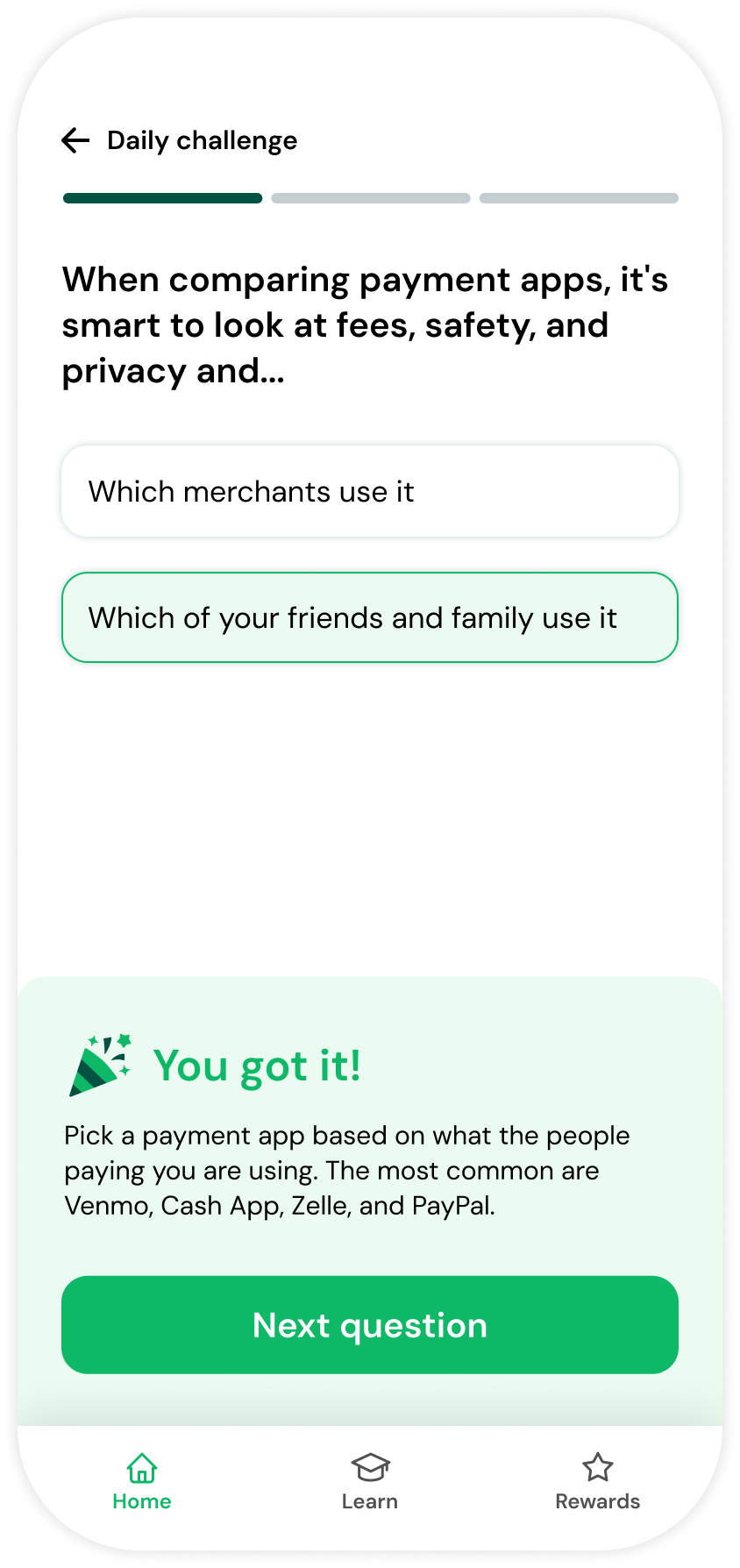
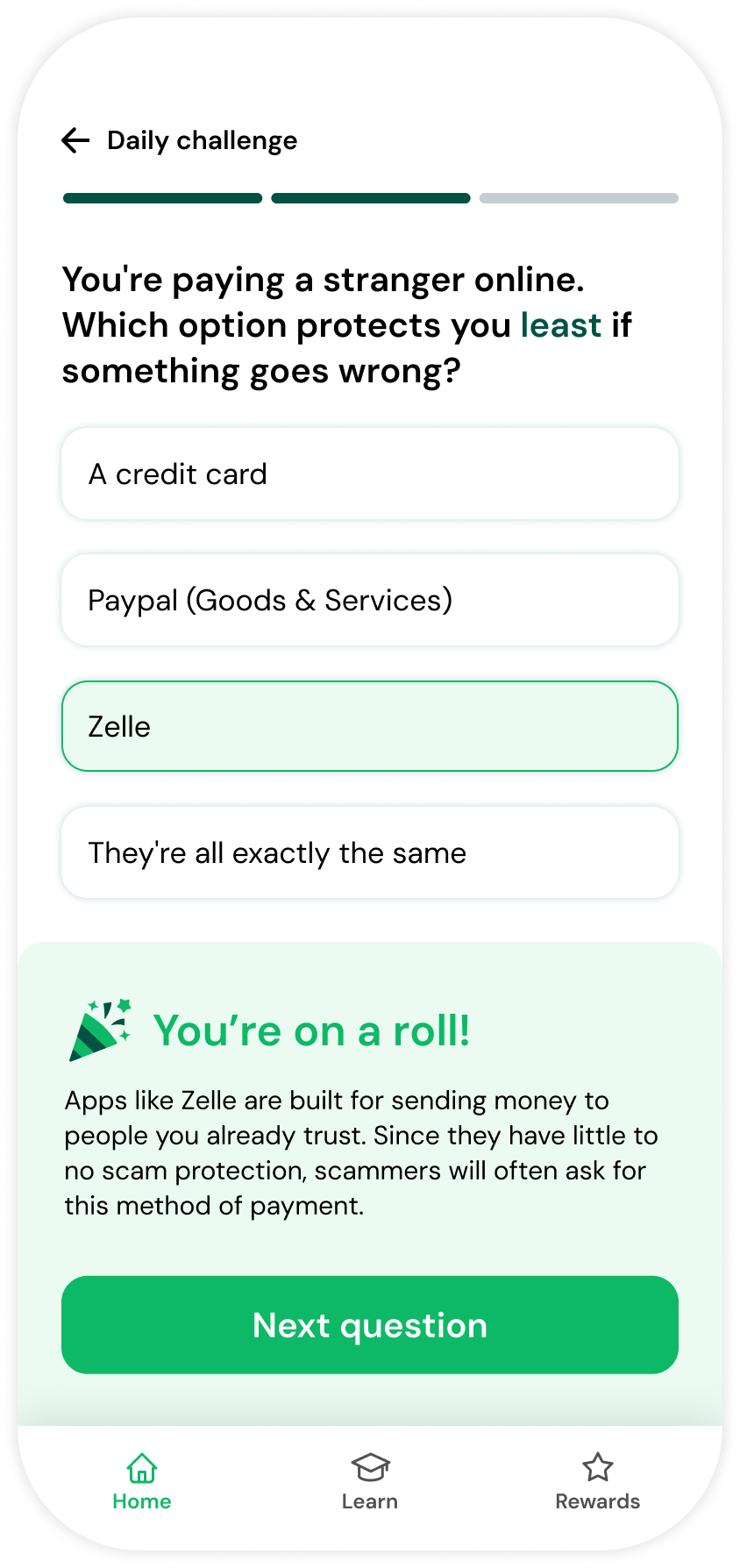
Mobile app screen titled Daily challenge with a green piggy bank showing a puzzled expression and question marks above it, asking How well do you know your payment apps? and offering three quick questions to test your knowledge, with a green button labeled Let's go! and navigation icons Home, Learn, and Rewards at the bottom.Mobile screen showing a daily challenge about comparing payment apps, asking to choose between 'Which merchants use it' and 'Which of your friends and family use it', with the second option selected. A confirmation message says, 'You got it!' and advises picking a payment app used by the people paying you, listing Venmo, Cash App, Zelle, and PayPal. A green button labeled 'Next question' is at the bottom, with navigation icons for Home, Learn, and Rewards below it.Mobile screen showing a daily challenge question: 'You're paying a stranger online. Which option protects you least if something goes wrong?' with answer choices: A credit card, Paypal (Goods & Services), Zelle, and They're all exactly the same. The selected answer is Zelle. A message below says: 'You're on a roll! Apps like Zelle are built for sending money to people you already trust. Since they have little to no scam protection, scammers often ask for this payment method.' There is a green 'Next question' button and a bottom navigation bar with Home, Learn, and Rewards icons.Mobile app screen showing a daily challenge quiz asking what makes Zelle different from apps like Venmo or Cash App with four answer options. The selected answer is 'It moves money directly between bank accounts, usually within minutes.' Other options include 'It only works between family members,' 'It lets you buy stocks and crypto,' and 'It charges a fee for every transfer.' Below is an explanation stating Zelle doesn't hold your money like Venmo or Cash App but moves it straight between banks, making it fast and free. A green 'Got it!' button is at the bottom, and navigation icons for Home, Learn, and Rewards are at the screen's bottom.Smiling green piggy bank with sparkles above text saying You're a payment pro now! Below, it invites to come back tomorrow for the next challenge, showing +5 points and 5 day streak, with a green Back to home button underneath.

Redeem points for rewards

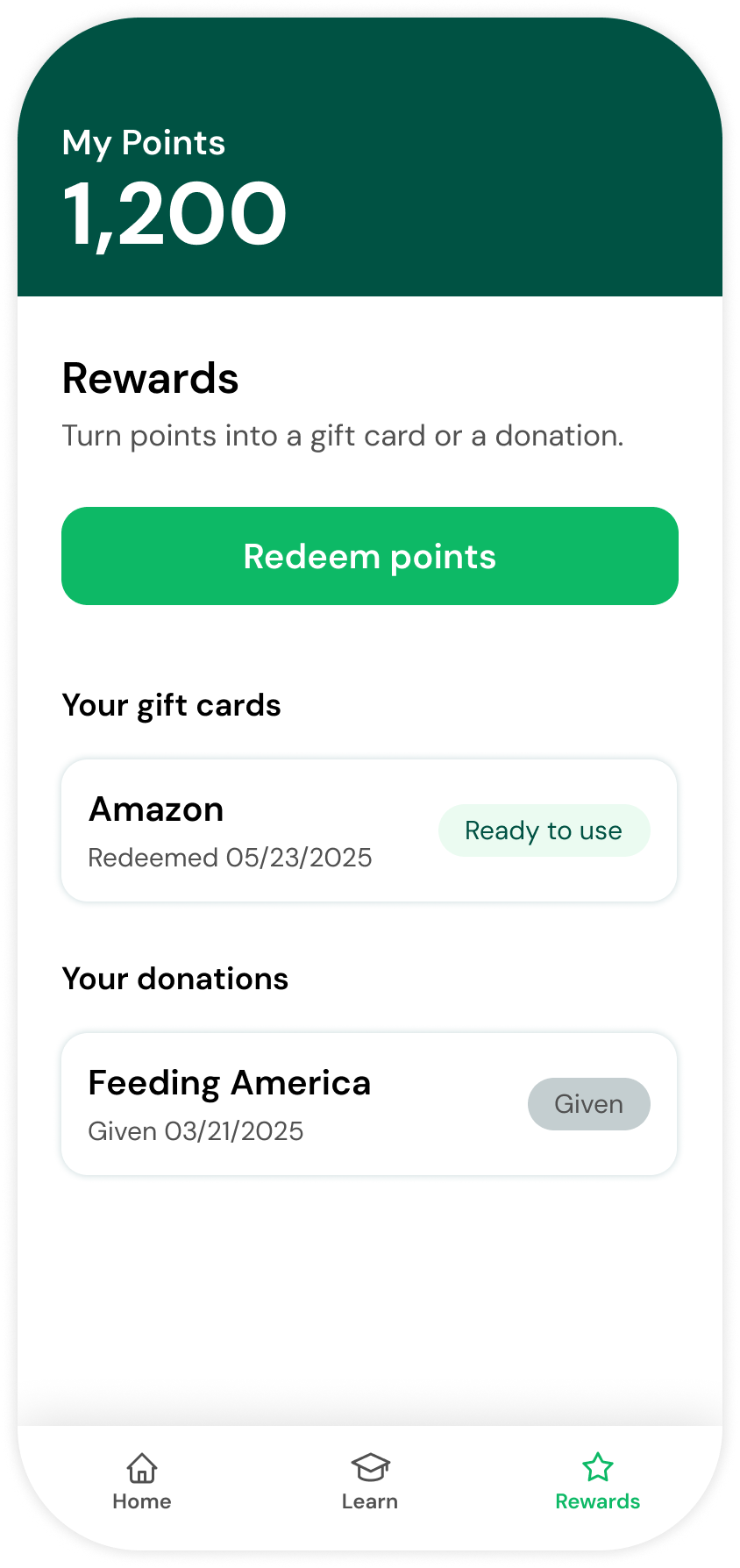
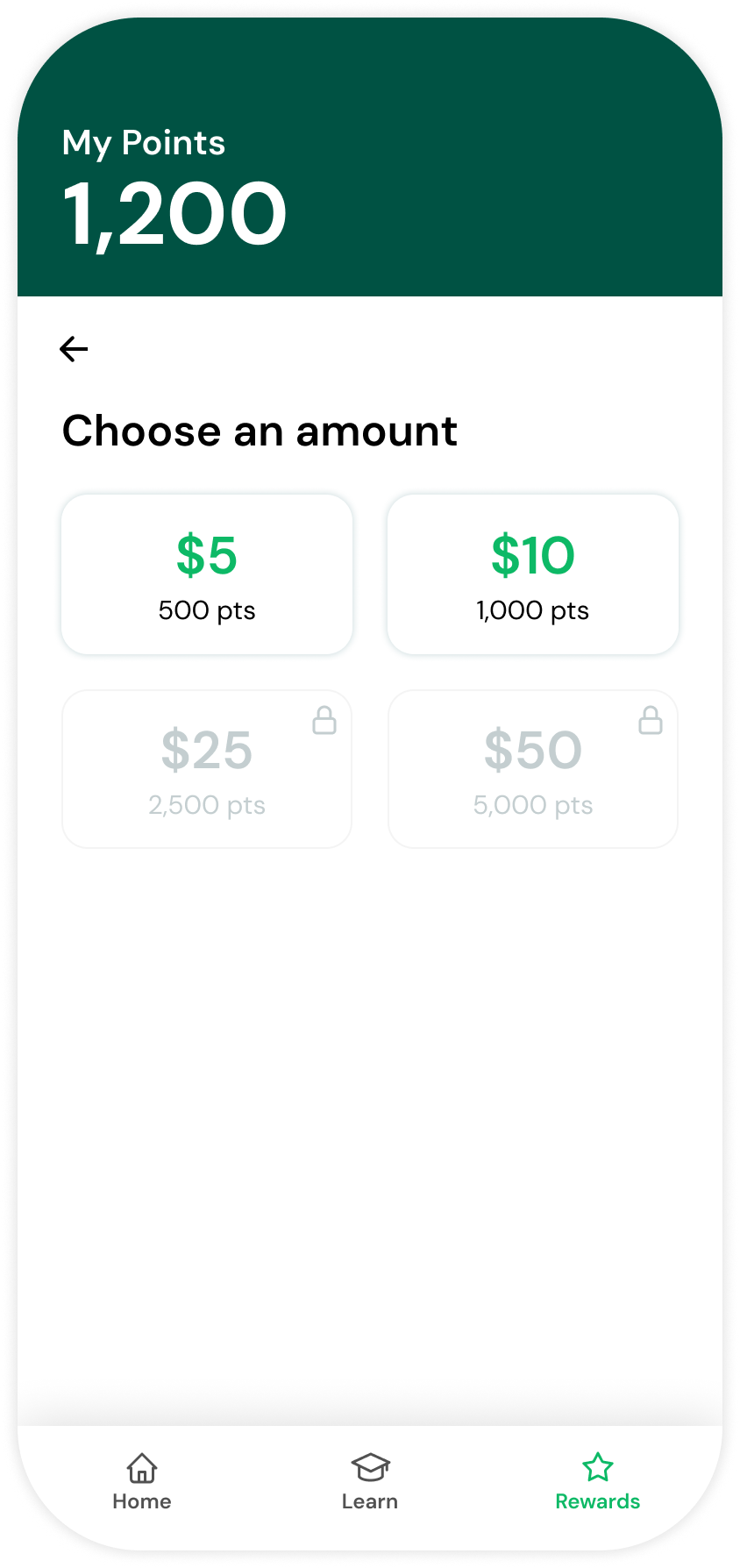
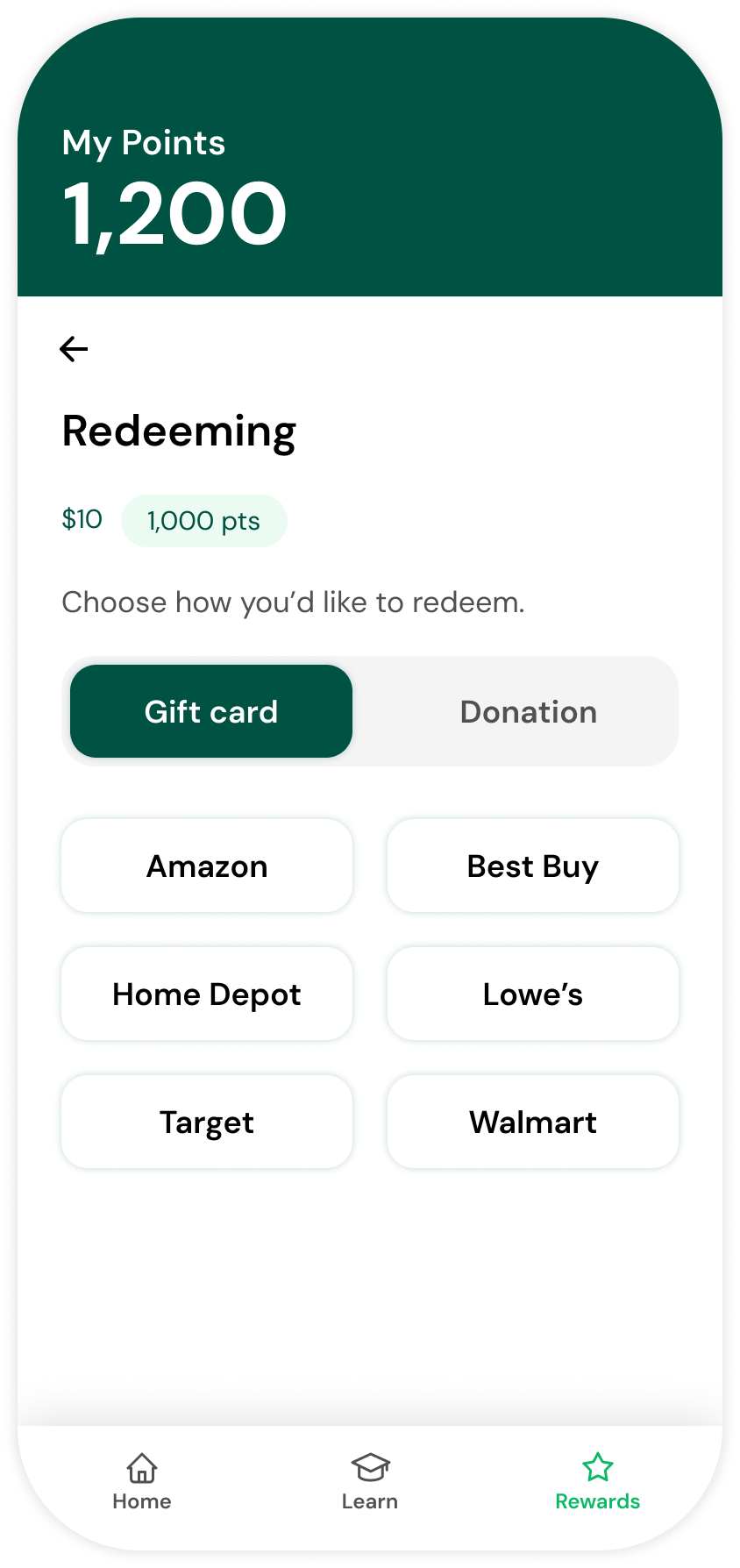
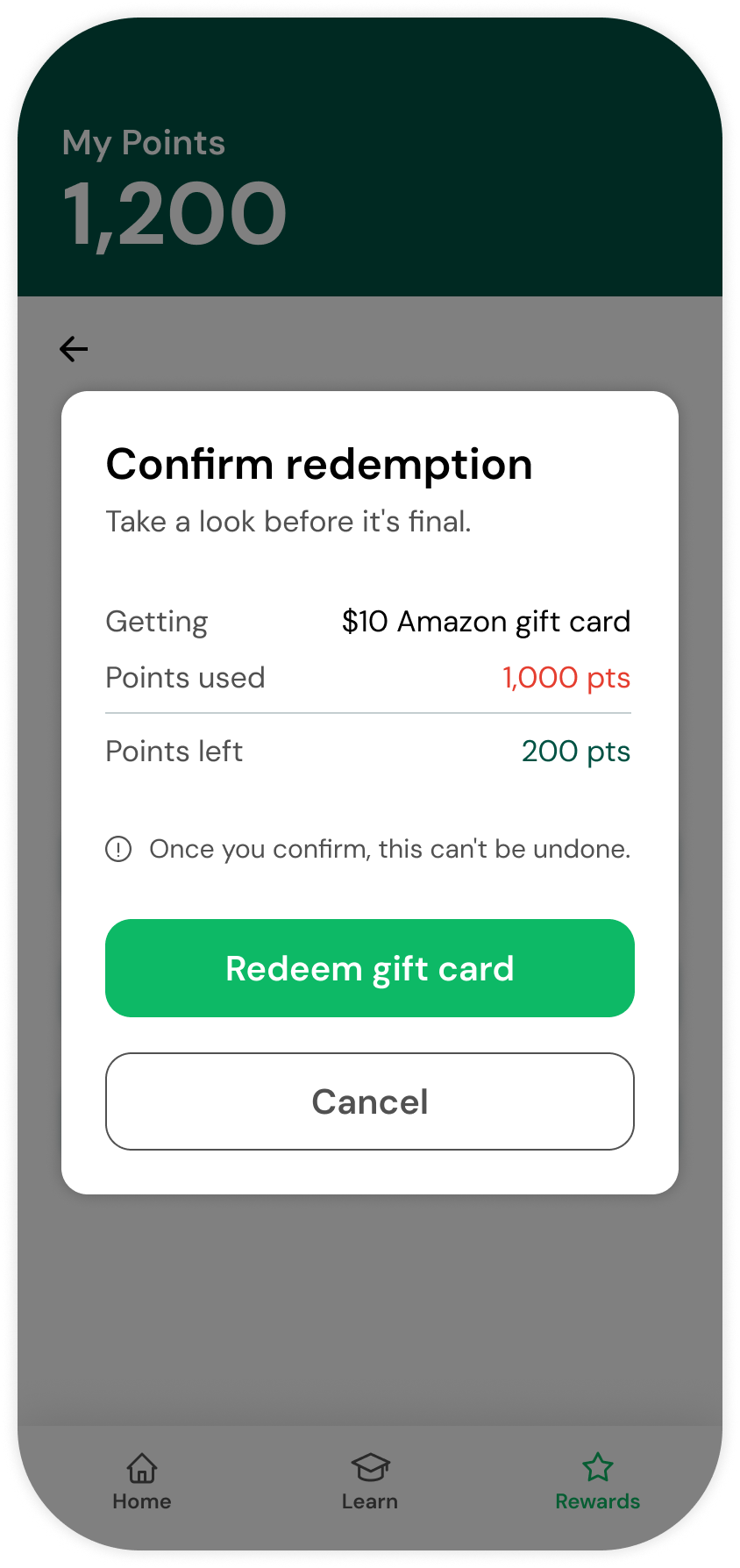
Collect points from daily challenges and for hitting savings goals. Redeem for gift cards or to donate to a cause that's close to you.
Mobile app screen showing 1,200 points available to redeem for rewards such as gift cards or donations, with a green Redeem points button. Gift cards section displays an Amazon card redeemed on 05/23/2025 marked 'Ready to use.' Donations section shows a Feeding America donation given on 03/21/2025 marked 'Given.' Navigation bar at bottom includes Home, Learn, and Rewards tabs, with Rewards highlighted in green.Mobile app screen showing a user has 1,200 points available. The screen prompts the user to choose an amount to redeem with options for $5 for 500 points and $10 for 1,000 points enabled, while $25 for 2,500 points and $50 for 5,000 points are locked. At the bottom, navigation icons for Home, Learn, and Rewards appear, with Rewards highlighted.Mobile app screen showing a rewards program with 1,200 points available. The user is redeeming 1,000 points for a $10 gift card. Options to redeem as a gift card or donation are shown, with the gift card tab selected. Gift card options include Amazon, Best Buy, Home Depot, Lowe's, Target, and Walmart. Navigation icons for Home, Learn, and Rewards are at the bottom, with Rewards highlighted.Mobile screen showing a points redemption confirmation pop-up with 1,200 points available. The pop-up asks to confirm redeeming a $10 Amazon gift card using 1,000 points, leaving 200 points. It warns the action cannot be undone and has a green 'Redeem gift card' button and a 'Cancel' button below.Mobile screen showing 200 points earned and a message that a $10 Amazon gift card is ready, with the gift card code AM4X-KM29-7TRQ copied, and a green button labeled Back to home.

Update your monthly savings

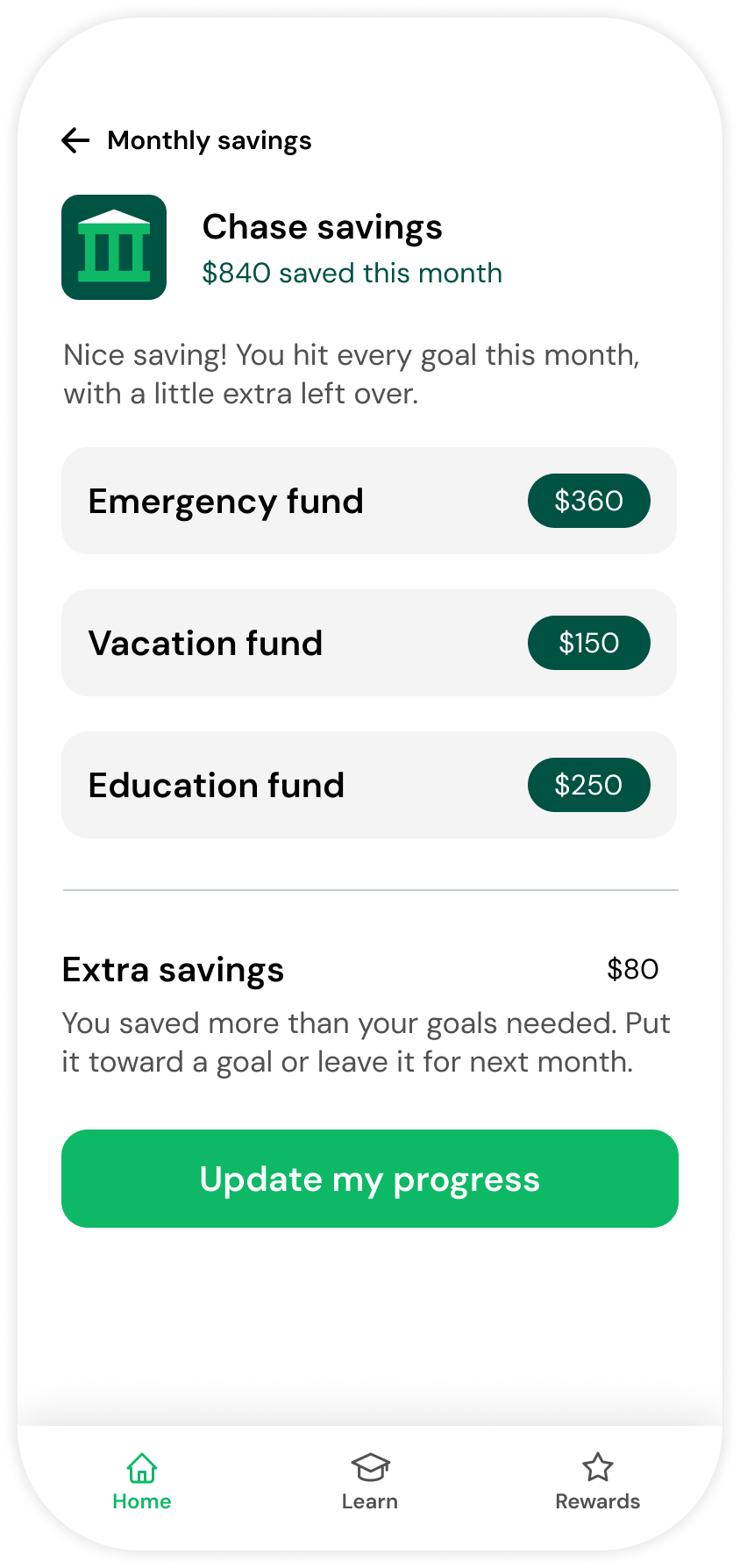
Link your account to log what you saved, and watch it split across your goals.
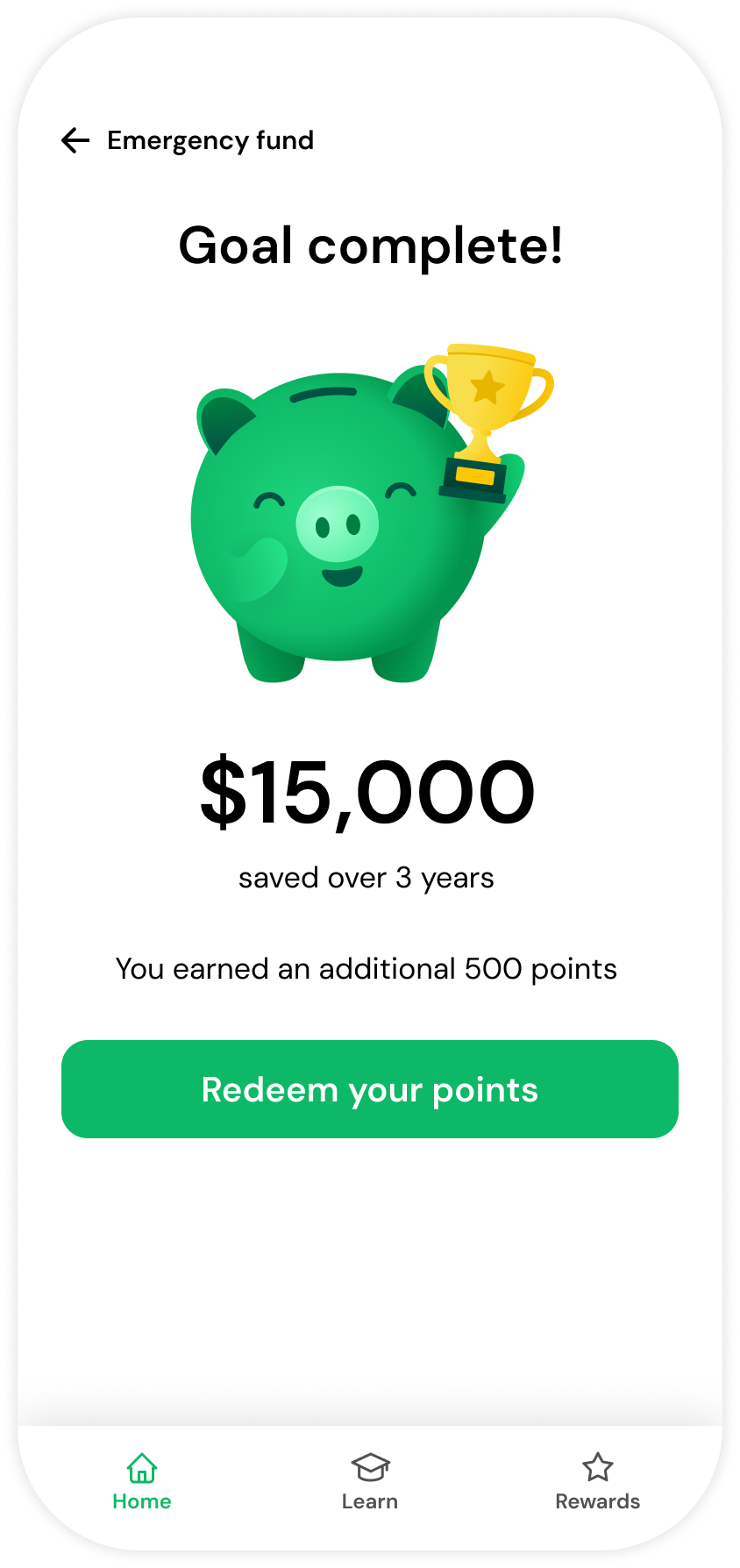
Mobile screen showing emergency fund savings app with $13,200 saved of a $15,000 goal, 88% saved. This month +$360 added, estimated completion September 2024. A line graph shows steady growth in savings from September 2021 to a projected finish in September 2025. Recent activity lists monthly contributions: April 2024 +$360, March 2024 +$360, February 2024 +$360, January 2024 +$400. Navigation icons for Home, Learn, and Rewards are at the bottom, with Home highlighted.Mobile app screen showing monthly savings summary for Chase savings with $840 saved this month, breaking down $360 for emergency fund, $150 for vacation fund, and $250 for education fund, plus $80 extra savings. A button labeled 'Update my progress' is at the bottom, with navigation icons for Home, Learn, and Rewards at the screen base.Mobile app screen showing emergency fund goal complete with a smiling green piggy bank holding a gold trophy, $15,000 saved over 3 years, and a message about earning 500 points with a green button to redeem points.

Digital Campaigns

To validate demand before development, we used Spark No. 9's core testing approach: representing Roi through live ads and landing pages, then measuring real clicks and conversions. Target audiences were invited to "join the waitlist" for Roi.

Testing showed limited demand and this concept was shelved. Consumer Reports redirected the resources to other initiatives instead.
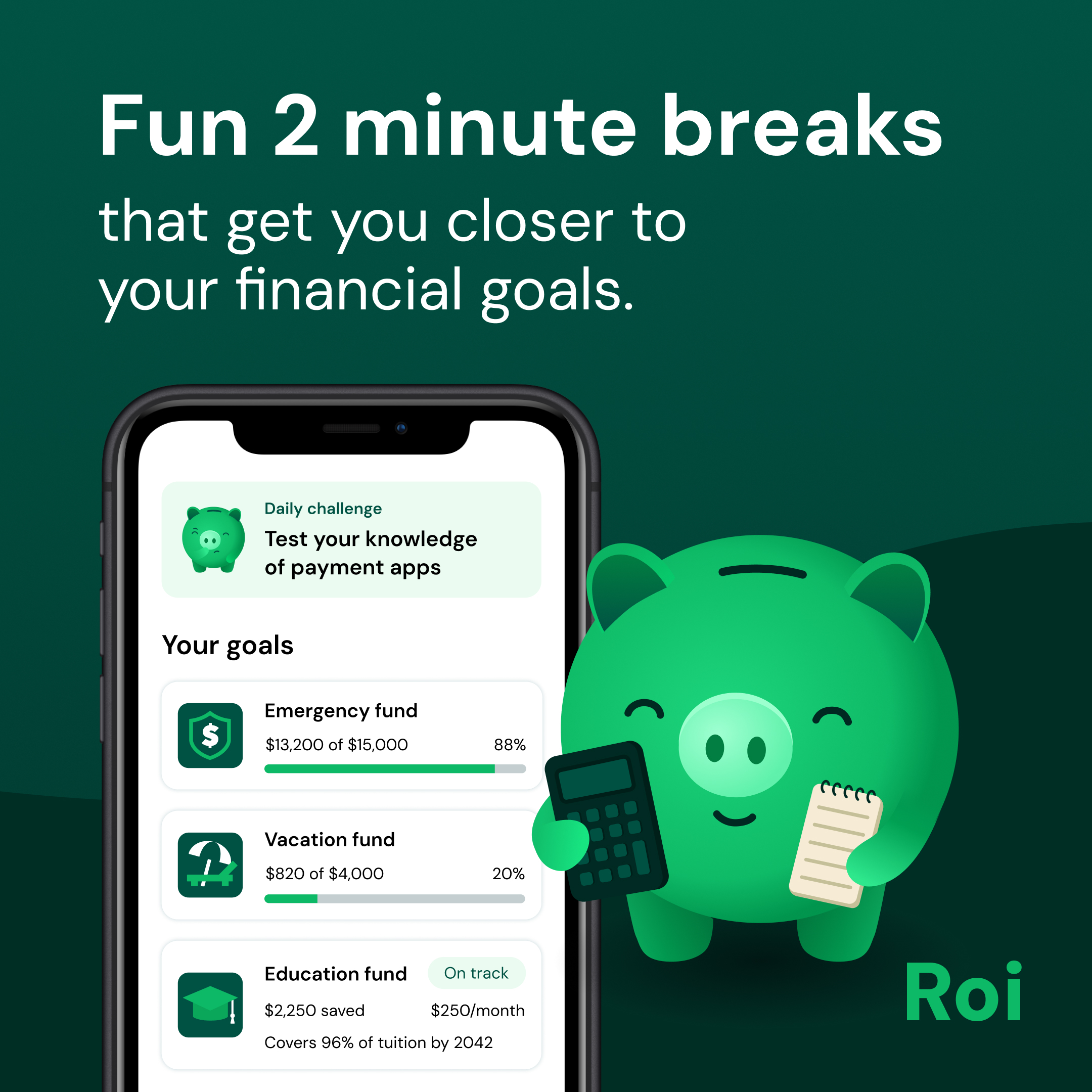
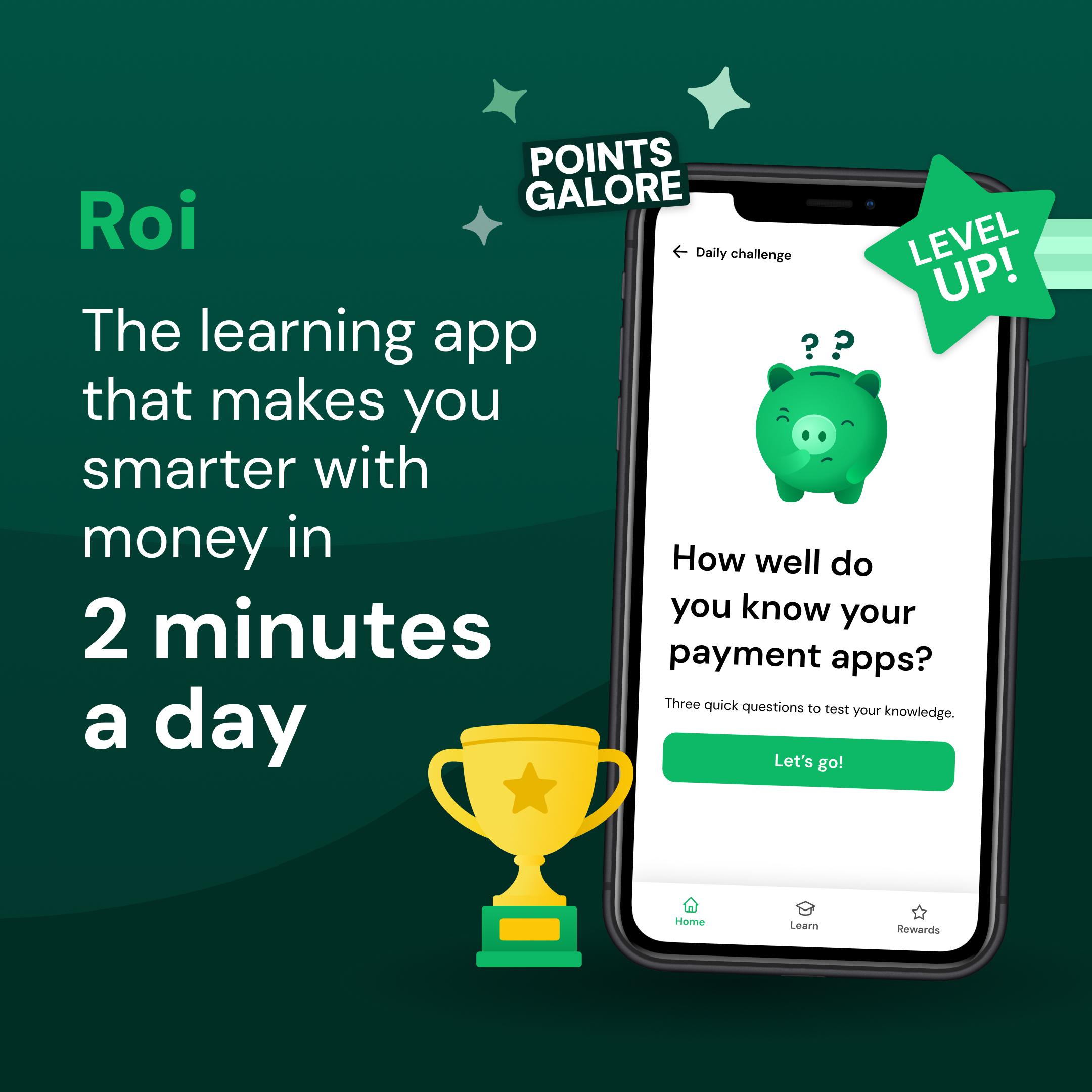
Advertisement showing a smartphone screen with financial goals tracking app including emergency, vacation, and education funds with progress bars, alongside a smiling green piggy bank character holding a calculator and a notepad, with text reading 'Fun 2 minute breaks that get you closer to your financial goals' and the brand name Roi.Advertisement for Roi, a learning app that improves money skills in 2 minutes a day, showing a phone with a piggy bank icon and the question 'How well do you know your payment apps?' with a green 'Let's go!' button, alongside gold trophy and text highlighting points and leveling up.

Organic Social

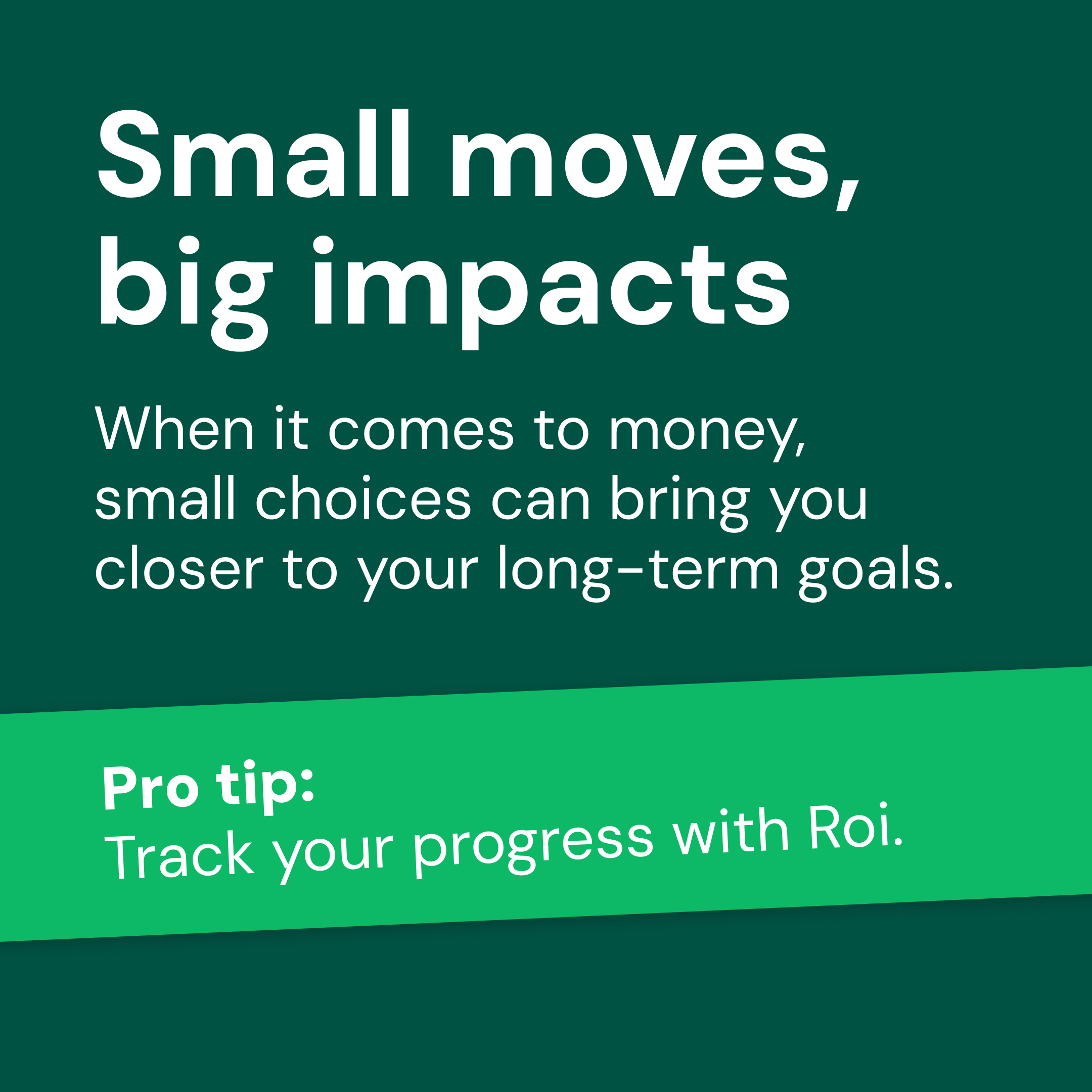
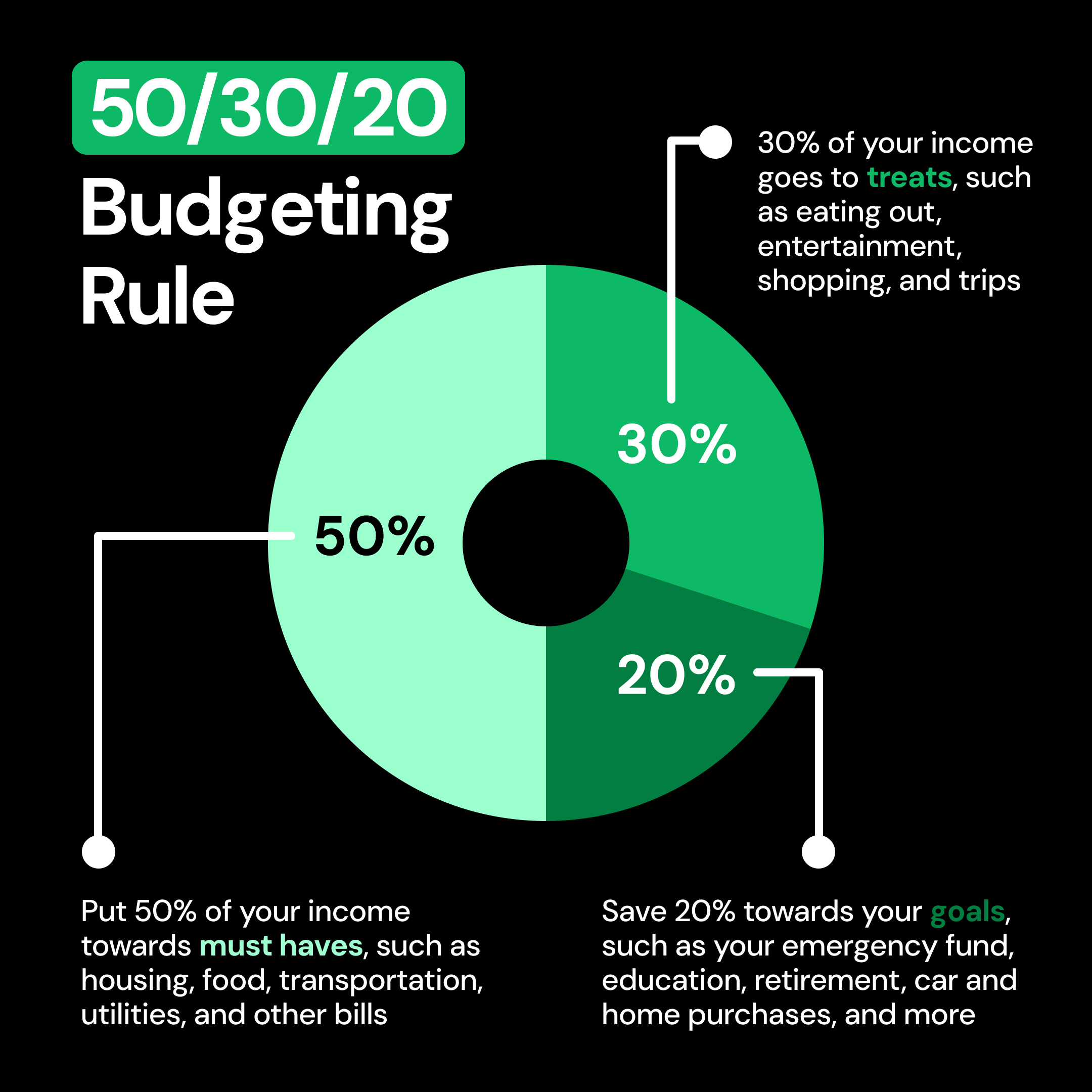
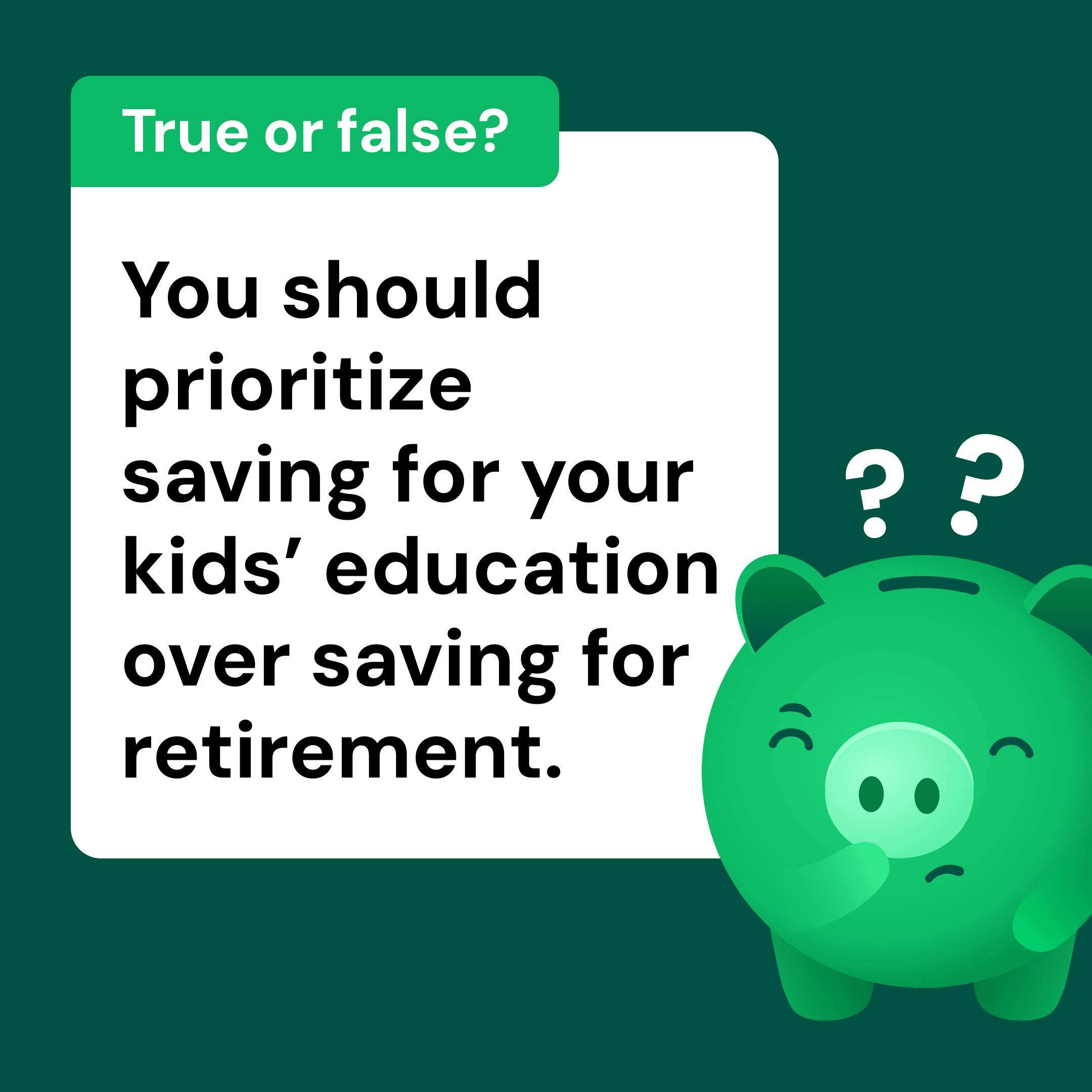
Text on dark green background reads: Small moves, big impacts. When it comes to money, small choices can bring you closer to your long-term goals. Below in a green banner: Pro tip: Track your progress with Roi.50/30/20 Budgeting Rule infographic with a donut chart divided into three segments: 50% for must haves like housing, food, transportation, utilities, and bills; 30% for treats such as eating out, entertainment, shopping, and trips; 20% to save towards goals including emergency fund, education, retirement, car and home purchases.Graphic with text asking, 'True or false? You should prioritize saving for your kids' education over saving for retirement.' Beside the text is a green piggy bank with a thoughtful expression and two question marks above it.
Consumer Reports artwork cover

Next project

Arrow pointing right